
Modeling your customers
Your customers are consumers in Apideck: the entities whose data you integrate with. Get this model right and the rest of the API is three headers and an endpoint.
 QuickBooks Onlineconnected
 Xeroconnected
 NetSuiteinvite sent
one consumer · many connections · one id in your code
One customer, one consumer. Usually.
You create a consumer for each customer — say acme-corp-123 — they connect their QuickBooks, NetSuite or Xero through Vault, and you pass that consumer id in every API call. Apideck handles the rest.
The consumer id is a string you choose. Use whatever your system already calls that customer — an account id, a tenant id, a workspace slug — and you never need a mapping table.
Connections, credentials, custom field mappings and request logs all hang off the consumer. Two consumers never see each other's data.
Creating a Vault session for an id that doesn't exist yet creates the consumer, so in practice you rarely create one explicitly.
When does a customer need more than one? Rarely — but it happens.
One consumer per customer, with as many connections underneath as they care to make. This is what you want unless you have a specific reason not to.
acme-corp-123QuickBooksXeroNetSuite FreshBooks
Most consumers create themselves.
In production, consumers are created through Vault. Your backend creates a session with an x-apideck-consumer-id header; if no consumer has that id yet, Apideck creates one on the spot. Your user then sees the Vault widget, picks an integration, authorizes it, and the connection is live.
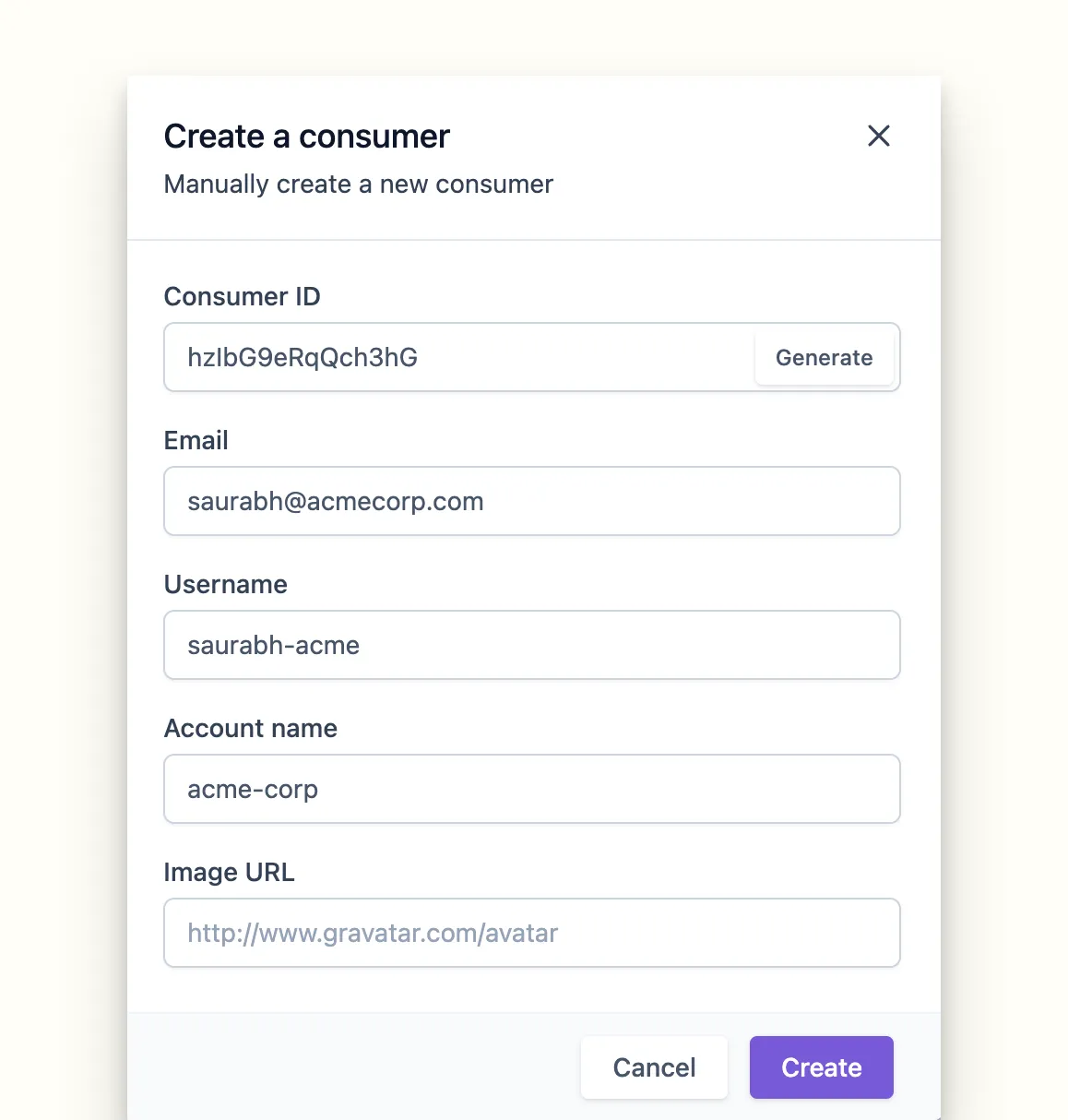
- Consumer ID — the unique identifier you'll pass in every call
- Email — shown in Vault and on the consumer's connections
- Username — a human-readable handle
- Account name — the company this consumer belongs to
Every consumer, observable.
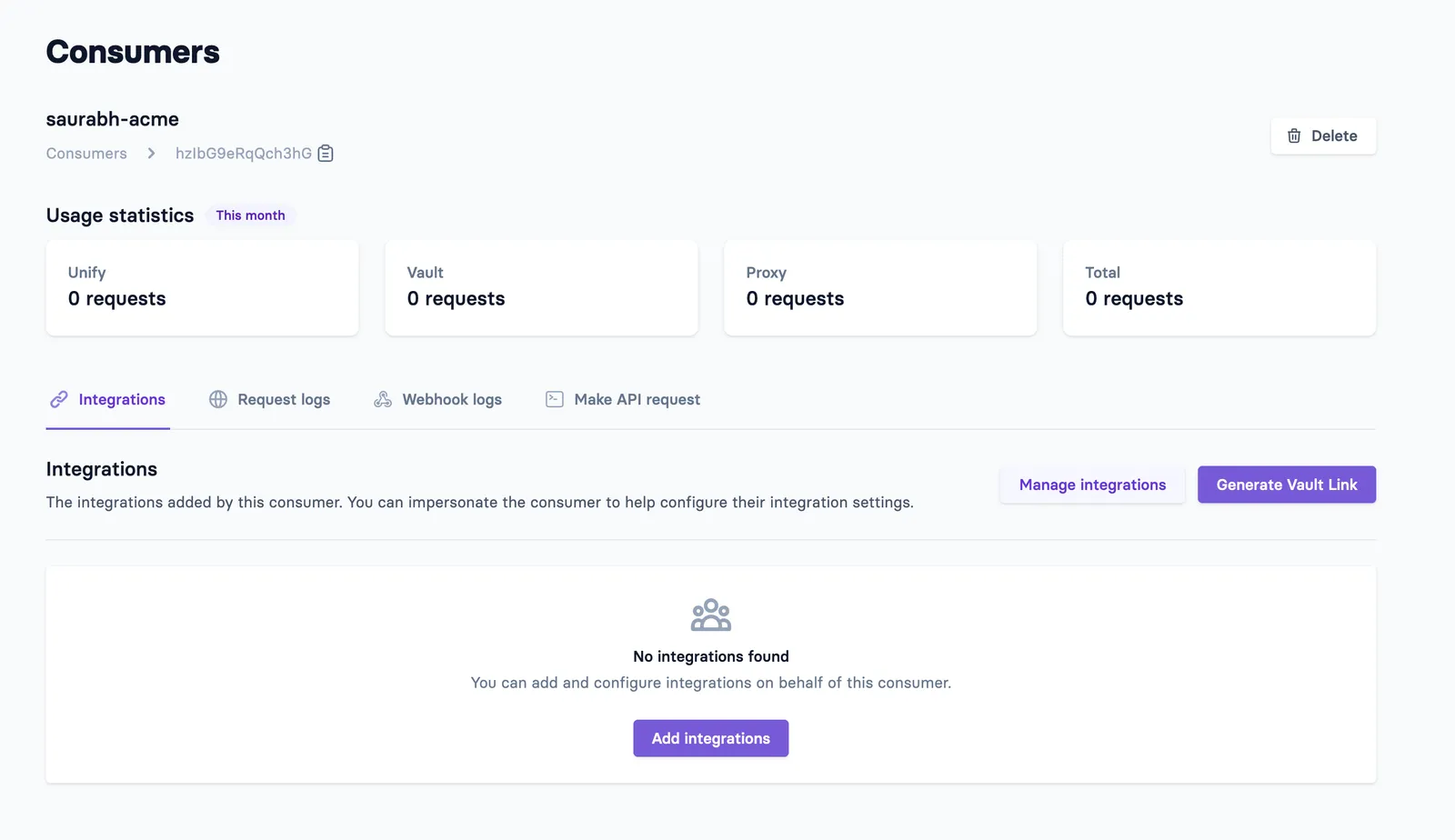
Once a consumer exists, the dashboard is where you see what they've connected and what your app has been doing on their behalf.
- Manage integrationswhich connectors this consumer has authorized, and their state
- API call statsvolume per consumer, so a noisy customer is visible
- Request logsboth the parent call you made and the child call Apideck made downstream
- Usage per consumerwhat this customer costs you, per connector
Three headers route every call. One of them changes.
You don't store the end customer's auth, JWTs or API keys — Vault holds them. What your request carries is routing information: whose data, from which system, for which of your apps.
Click a header to see what it routes.
The consumer whose connection to use. Apideck looks up their stored credentials for the service below and uses them — which is why you never hold a token yourself.